
A business GPT workspace for everyday work.
BGPT gives your team one business-focused AI workspace where they can ask questions, analyse information, generate content, visualise data, work with images, search the web and use connected tools from a simple chat interface. It helps businesses move from scattered AI use across personal tools and disconnected workflows into a more structured, consistent and productive way of working with AI.
Businesses need AI
that fits how people actually work.
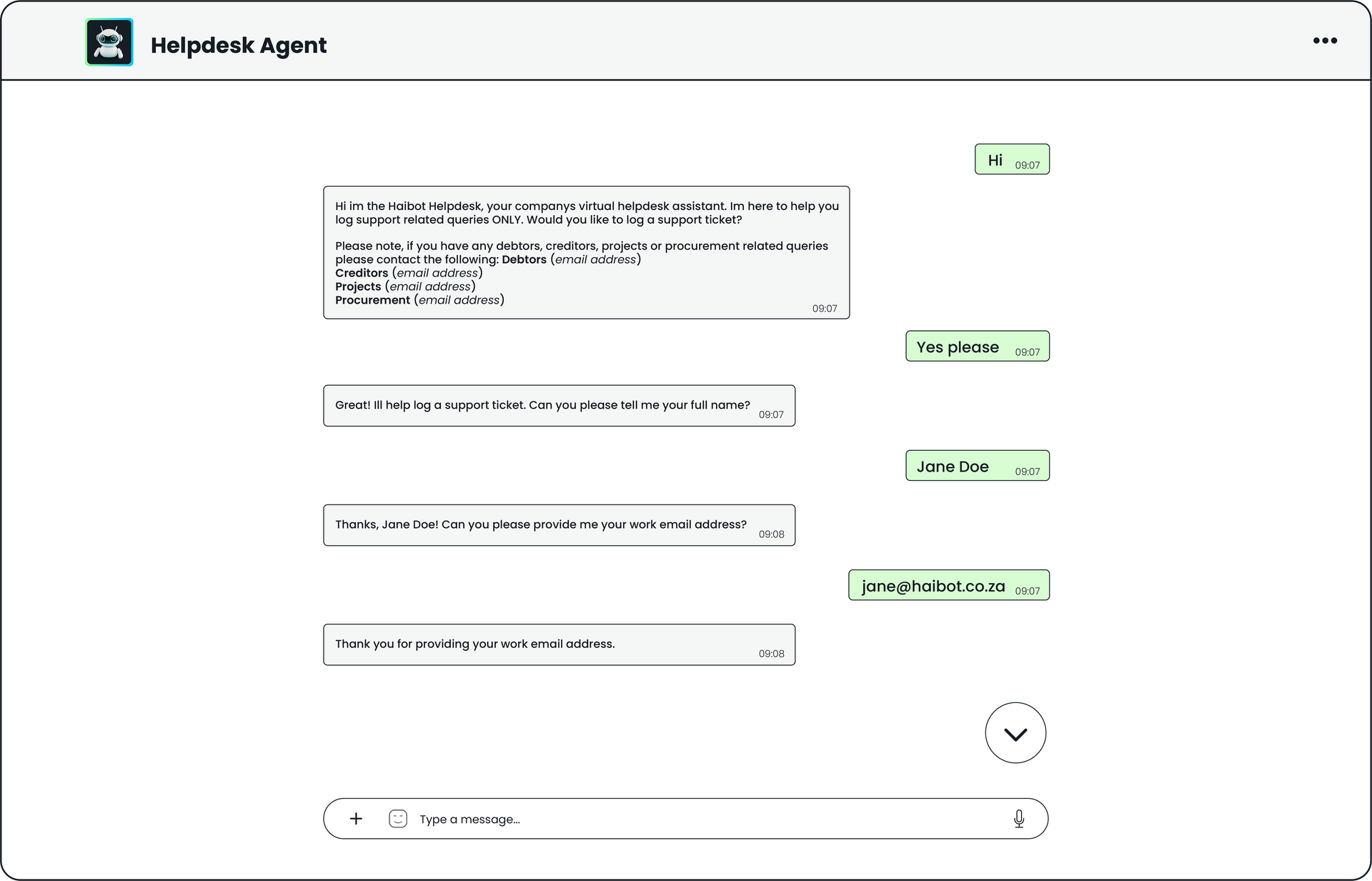
Teams already use different tools to search, write, analyse, report, create and communicate. The problem is that work is fragmented. A user may need to search for information, open a spreadsheet, create a chart, summarise a report, write an email, analyse an image, prepare a meeting note and turn it all into a usable output.
At the same time, many employees are already experimenting with AI through personal accounts, public tools and inconsistent workflows. This can create uncertainty around where business information is being entered, how AI is being used, and whether outputs are aligned with company standards.
BGPT brings these everyday tasks into one business-focused AI workspace.
Common problems we solve
Teams waste time switching between tools
Reports and documents take too long to summarise
Spreadsheet data is difficult to interpret quickly
Business users need support without waiting for specialists
Teams need help turning information into usable outputs
Visual tasks require separate tools
Web research and internal work are disconnected
AI use is inconsistent across the business
Employees may use personal AI tools without clear guidance
Different teams produce inconsistent AI-generated outputs
Management has limited visibility over how AI is being used
What BGPT does
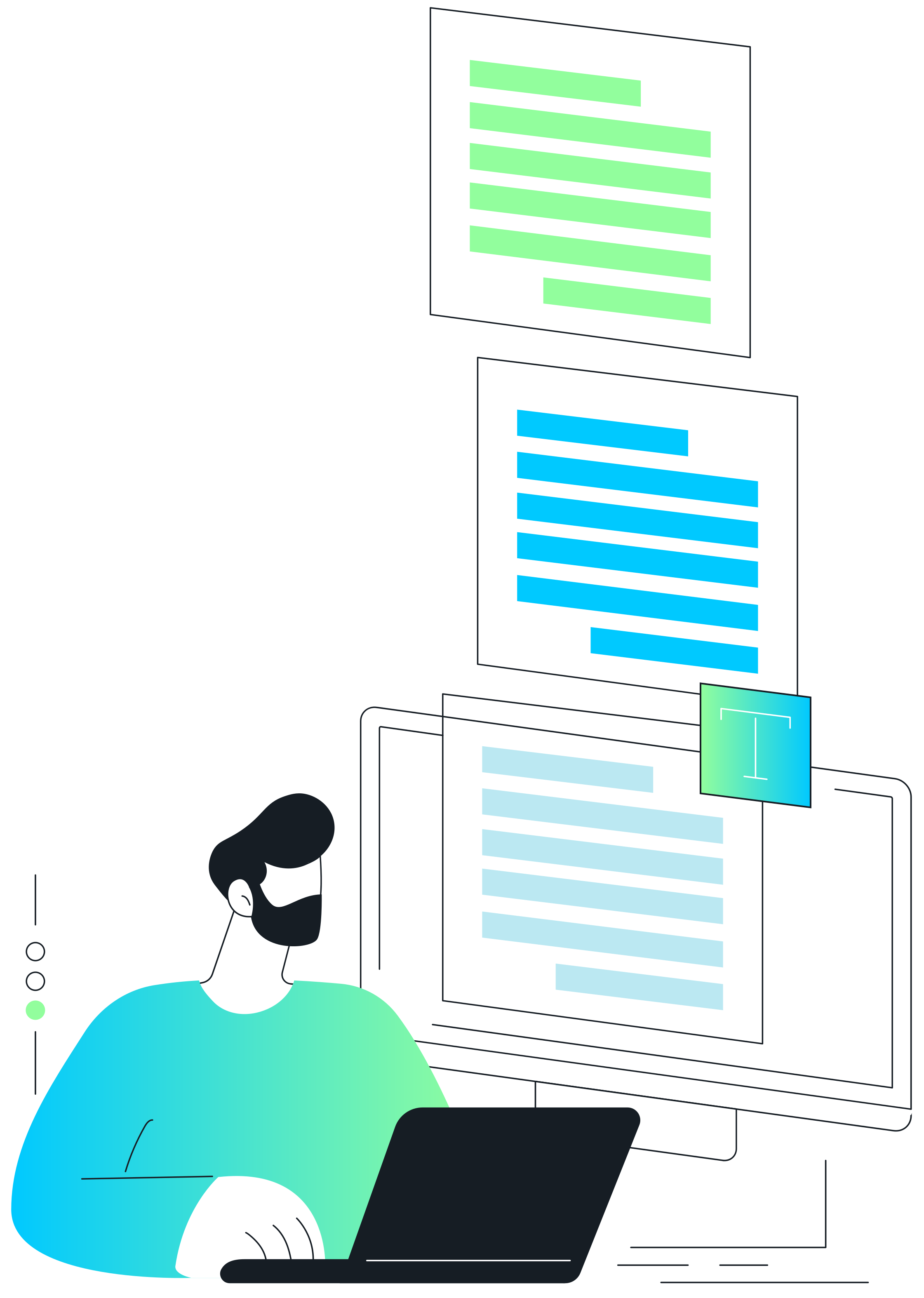
BGPT acts as a practical AI workspace for business users.
Users can type a request in plain English and ask BGPT to help with everyday business tasks. It can assist with analysis, content creation, research, visual work, document review and tool-based actions.
The value is not only that BGPT can answer questions. The value is that it gives teams one place to use AI for real business work in a more structured and consistent way.
Example requests
Summarise this report for management.
Analyse this sales spreadsheet and show the key trends.
Create a chart from this data.
Draft an email to the client.
Turn these notes into a meeting summary.
Search the web for current market updates.
Generate a concept image for this idea.
Create an action list from this discussion.
Rewrite this for an executive audience.
Prepare a meeting agenda from these notes.
Turn this data into a short leadership update.
Why Use BGPT Instead of Scattered AI Tools?
A more controlled way to bring AI into your business.
Many employees are already using AI to write, summarise, analyse and research. The risk is that this often happens informally, across personal accounts, public tools and disconnected workflows.
BGPT gives businesses a more structured AI workspace for everyday work, helping teams use AI in a way that is more consistent, more visible and better aligned with company processes.
Business Value
Better control over AI usage
Give teams a defined place to use AI for business tasks, rather than leaving each person to choose their own tools and methods.
Clearer boundaries for business info
Create a more structured environment for where business information is entered, processed and turned into outputs.
Consistent
outputs
Help teams work from the same AI environment, rather than getting inconsistent results from scattered tools.
Tool access
in one place
Bring common capabilities such as writing, analysis, charting, image review, image generation, web search and connected tools into one workspace.
Easier internal adoption
Make AI practical for non-technical users by giving them a simple interface designed around everyday business tasks.
Better governance foundation
BGPT can support clearer AI usage practices, approved workflows and more responsible business adoption.
Less dependency on personal AI accounts
Move business tasks into a company-recognised workspace rather than relying on individual employees to use their own tools.
Better business processes
Create AI workflows that reflect the way the business actually works, instead of relying on generic, one-off AI usage.
Built for Business Use
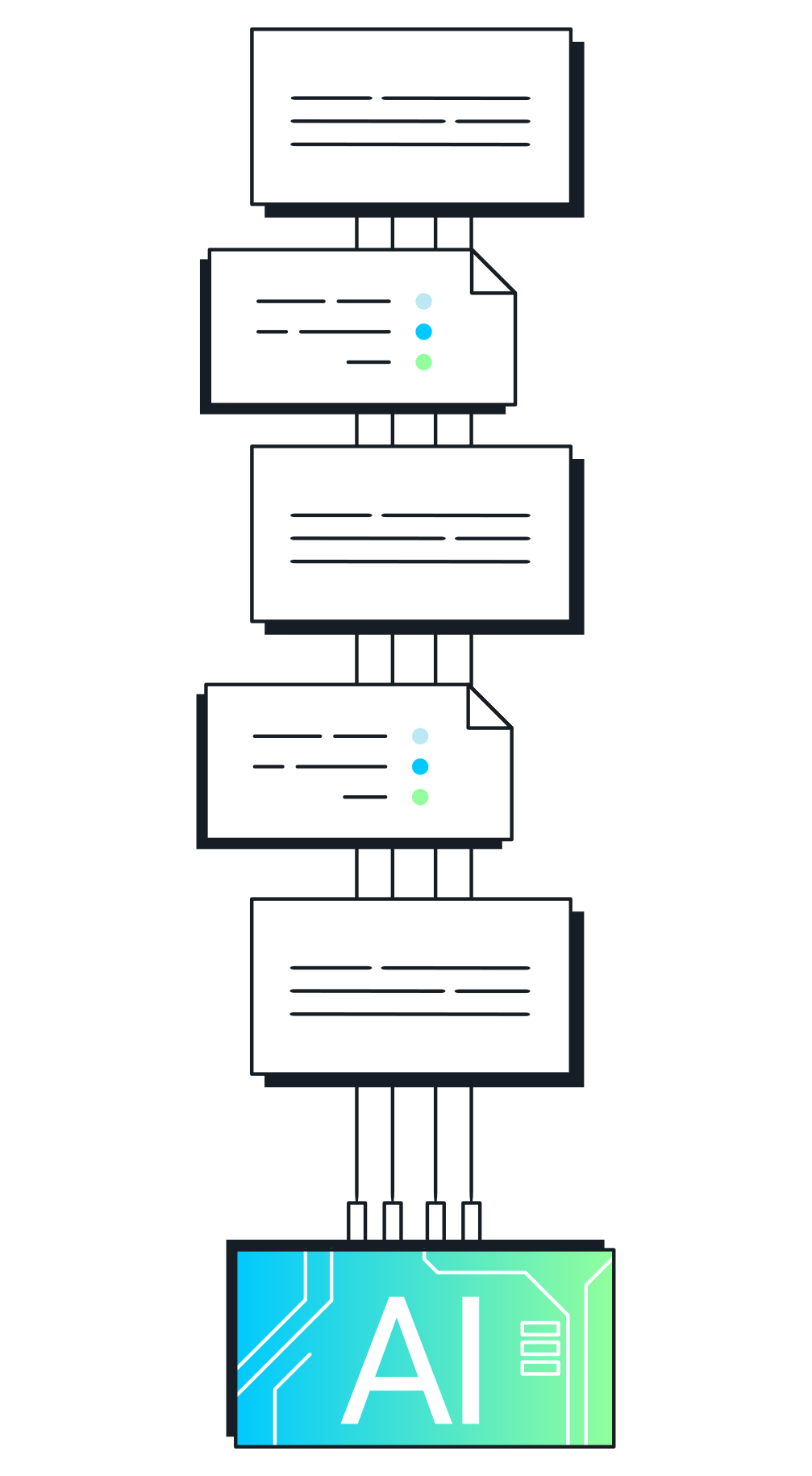
Move from informal AI experimentation to structured AI adoption.
BGPT is designed for teams that want the productivity benefits of AI without scattered, inconsistent usage across the organisation.
It gives employees one business-focused place to ask questions, analyse information, generate content, use tools and complete common work tasks.
This helps businesses introduce AI in a practical and manageable way.
BGPT helps businesses:
Give staff an approved place to use AI
Reduce scattered use of personal AI tools
Create more consistent AI-supported outputs
Support everyday business workflows
Build a foundation for internal AI guidelines
Make AI more accessible to non-technical teams
Encourage more responsible use of business information
Standardise common AI-assisted tasks
How it works
Ask
1
The user types a normal business request into BGPT.
Example: “Summarise this report and give me the key risks.”
Analyse
2
BGPT reviews the information provided, whether that is text, a document, spreadsheet, image or user instruction.
Use Tools
3
Where needed, BGPT can use connected tools such as charting, image analysis, image generation or web search.
Generate
4
BGPT produces a useful output, such as a summary, report, chart, draft email, action list, recommendation or visual concept.
Refine
5
The user can ask follow-up questions, request a shorter version, change the tone, add detail or convert the output into another format.
Core capabilities
Business Question
& Answering
Use BGPT to help think through business problems, summarise information, compare options and prepare next steps.
Content Creation
Use BGPT to draft, rewrite or structure business content. Example: “Turn these notes into a professional client update.”
Document & Report Summarisation
Upload or paste reports, notes, proposals, policies or meeting documents and ask BGPT to extract the key points.
Web Search
Ask BGPT to search the web for current information, market updates, competitor context or recent developments.
Spreadsheet and
Data Analysis
Use BGPT to review spreadsheet data, identify trends, compare performance and summarise key insights.
Image Analysis
Upload an image and ask BGPT to describe, assess or interpret it. Example: “Review this retail display and suggest improvements.”
Chart and Data Visualisation
Ask BGPT to turn data into charts or visual summaries.
Example: “Create a bar chart showing monthly sales by region.”
Image Generation
Ask BGPT to create image concepts from a prompt. Example: “Create a concept image for a cleaner, more premium retail display.”
Use cases
Management Reporting
Turn long reports, spreadsheets and meeting notes into concise management summaries.
Example:
“Summarise this monthly performance report in five bullet points for the leadership team.”
Output examples:
Executive summary
Performance highlights
Recommended actions
Follow-up questions
Key risks
Sales Analysis
Analyse sales data, identify trends and prepare review notes.
Example:
“Review this sales spreadsheet and show me the strongest and weakest regions.”
Output examples:
Regional performance summary
Product performance trends
Underperforming areas
Sales team focus points
Chart or graph
Meeting Preparation
Turn documents and notes into agendas, talking points and action lists.
Example:
“Create a meeting agenda from these notes and highlight the decisions we need to make.”
Output examples:
Agenda
Talking points
Decision list
Action items
Follow-up summary
Client Communication
Draft clear, professional emails, proposals and follow-ups.
Example:
“Write a short client update based on these project notes.”
Output examples:
Client email
Proposal section
Follow-up message
Project update
Response to a query
Market Research
Use web search to gather current market context and summarise what matters.
Example:
“Find recent industry news that could affect our sales strategy.”
Output examples:
Market summary
Competitor notes
Recent developments
Opportunity areas
Risk factors
Visual Review
Upload images and ask BGPT to assess them.
Example:
“Review this retail display and suggest improvements.”
Output examples:
Visual observations
Improvement suggestions
Display notes
Brand consistency feedback
Quality control comments
Creative Concepting
Generate visual ideas or campaign concepts.
Example:
“Create a concept image for a cleaner, more premium retail display.”
Output examples:
Concept image
Creative direction
Moodboard description
Campaign visual idea
Presentation visual
Internal Productivity
Help teams complete common admin, communication and analysis tasks faster.
Example:
“Turn this meeting transcript into actions, owners and deadlines.”
Output examples:
Action list
Responsibility matrix
Follow-up email
Summary note
Next steps
Who is it for
BGPT is built for business teams that want practical AI support in day-to-day work.
Ideal users
Project teams
Operations teams
Admin teams
Analysts
Sales teams
Finance teams
Executives
Marketing teams
BGPT helps answer
What does this document say?
What are the key insights in this data?
What should we do next?
What does this image show?
What is happening in the market?
How can I present this more clearly?
What are the risks?
What are the next actions?
How do we communicate this clearly?
Positioning Against Public AI Tools
Public AI tools are powerful. BGPT makes AI easier to use
inside a business context.
Public AI tools can be useful for individual productivity, but businesses often need more structure. BGPT gives teams a recognised place to use AI for business work, with workflows that can be shaped around the organisation’s needs.
How the company starts building clearer AI usage practices
What type of information is entered
How outputs are created
Whether teams are using consistent tools
Whether AI use supports business processes
How non-technical employees adopt AI
Frequently asked questions
-
Is BGPT the same as ChatGPT?
No. The Fleet Management Agent sits above your existing telematics or fleet systems. It reads the data they produce and turns it into answers, alerts and recommendations.
-
Why should a business use BGPT instead of employees using their own AI tools?
BGPT gives teams a more structured, business-focused place to use AI. This can reduce scattered
usage, improve consistency, and create clearer boundaries around how AI is used for work.
-
Does BGPT help with sensitive business information?
Yes. Operational data is often messy. The agent can help identify missing, suspicious or abnormal readings that require investigation.
-
Does my team need technical skills?
No. Managers can ask questions in plain English and receive practical responses.
-
Can BGPT analyse files?
Yes. Risk thresholds, reporting rules and alert levels can be configured around your business, your contracts and your operating model.
-
Can BGPT create charts?
Yes. BGPT can use charting tools to help visualise data.
-
Can BGPT work with images?
Yes. BGPT can analyse uploaded images and support image generation where enabled.
-
Can BGPT search the web?
Yes. BGPT can use web search to find current information where needed.
-
Can BGPT replace our existing tools?
BGPT is not positioned as a replacement for every business system. It works as an AI workspace that helps users interact with information, generate outputs and use connected capabilities more
easily.
-
What kind of tasks should we start with?
Start with common business tasks such as summarising reports, analysing sales data, drafting emails, creating meeting notes, visualising spreadsheet data and preparing management updates.
Ready to give your team a business GPT workspace?
BGPT helps teams ask better questions, analyse information faster and turn everyday business work into usable outputs.
It gives your business a more structured way to introduce AI into daily work, while helping reduce scattered, inconsistent usage across teams.
Other modules you might like

Sales Dashboard
A ready‑to‑use analytics experience that brings all your sales performance data...
Commission Dashboard
Automate, standardize, and simplify the entire commission reporting process...
Sales Knowledge Agent
This module eliminates the time your sales team spends hunting for information...